
Looking for specific info?
Click a question and our AI assistant will help:
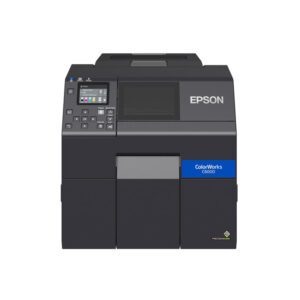
Epson C6500 Color Inkjet Printer
- ✔️ Auto-cutter for fast batch jobs
- 🌈 Prints vibrant, high-resolution color labels (up to 1200 dpi)
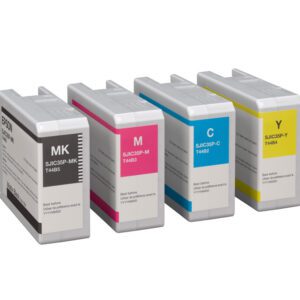
- 💧 Uses pigment inks that resist smudging, moisture, and chemicals
- 🔄 Seamlessly integrates with ZPL II workflows for easy upgrades


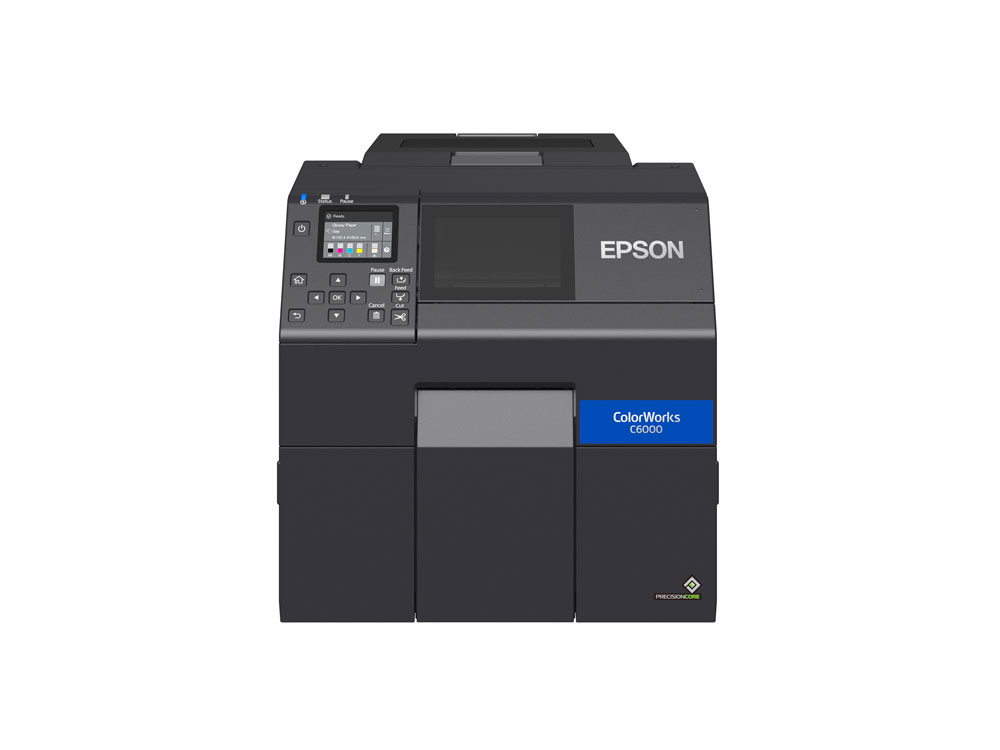
Epson ColorWorks C6000 Printer – Frequently Asked Questions
1. Is the Epson ColorWorks C6000 a good printer for product labels?
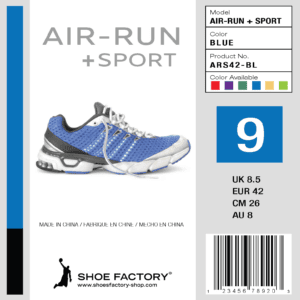
Yes. The Epson ColorWorks C6000 is designed specifically for on-demand product labeling. It prints high-resolution color labels up to 1200 dpi, allowing companies to produce professional product labels, ingredient labels, and branding labels without ordering pre-printed label inventory.
2. What industries commonly use the Epson C6000 label printer?
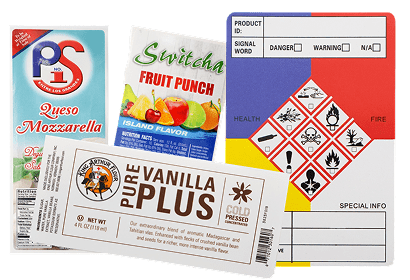
The Epson C6000 is widely used in food and beverage labeling, chemical and GHS labeling, manufacturing and industrial labeling, cannabis and nutraceutical labeling, medical and laboratory labeling, and logistics operations.
3. What size labels can the Epson ColorWorks C6000 print?
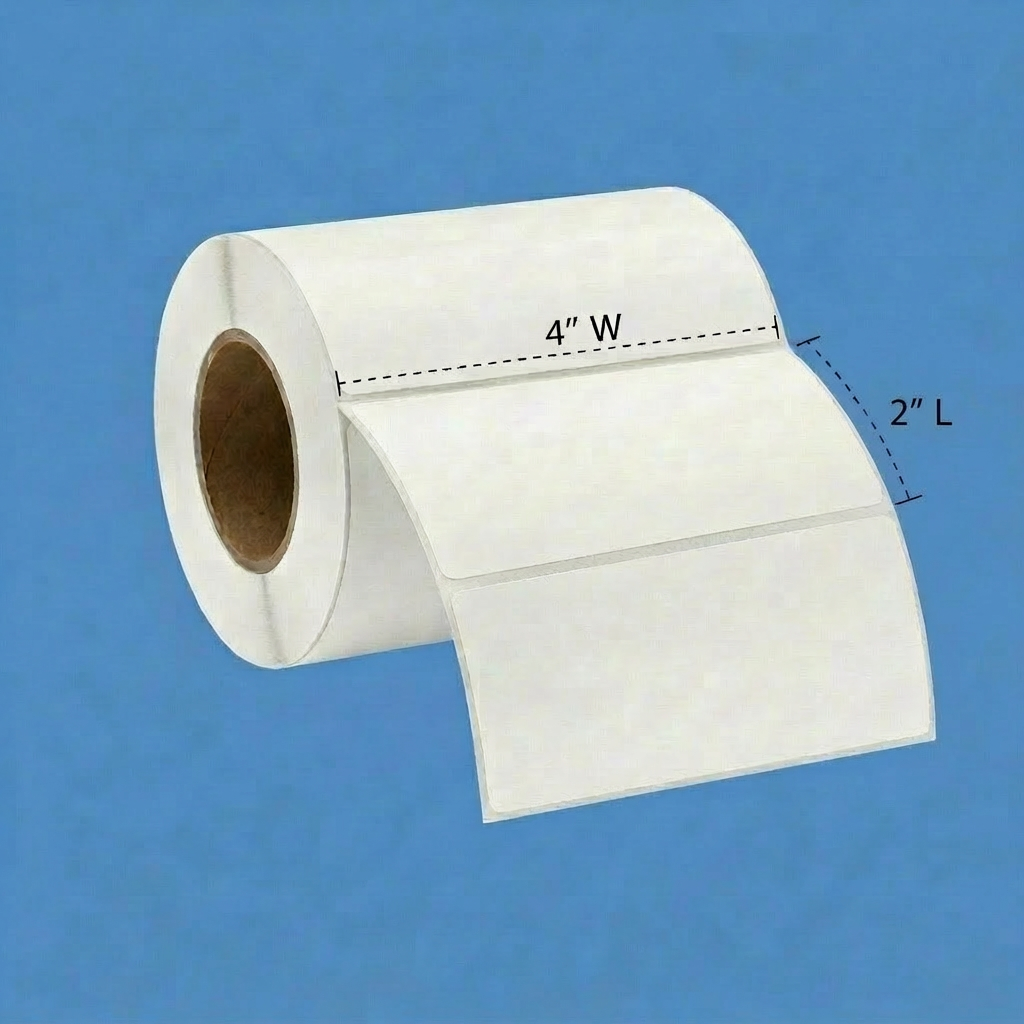
The Epson C6000 supports label widths from approximately 1 inch up to 4 inches, making it ideal for product labels, barcode labels, and compliance labels.
4. Does the Epson C6000 print waterproof labels?
The printer uses durable pigment-based inks. When used with synthetic inkjet label materials such as BOPP or polyester, the labels can be water-resistant and highly durable.
5. Can the Epson C6000 print barcodes and QR codes?
Yes. The printer supports multiple barcode formats including UPC, EAN, Code 128, Code 39, GS1 DataBar, QR codes, and DataMatrix codes.
6. What is the difference between the Epson C6000 and C6500 printers?
The Epson C6000 prints labels up to about 4 inches wide, while the Epson C6500 supports label widths up to about 8 inches. The C6000 is typically used for product labeling applications.
7. Is the Epson C6000 compatible with Zebra printer systems?
Yes. The printer supports ZPL II language emulation, allowing it to integrate with existing Zebra printer environments.
8. Does the Epson C6000 require special label materials?
Yes. Inkjet-coated label materials are recommended to ensure proper ink adhesion, fast drying, and high-quality print results.
9. Can the Epson C6000 print variable data labels?
Yes. The printer supports variable data printing including barcodes, serial numbers, expiration dates, batch numbers, and product variations.
10. Is the Epson ColorWorks C6000 a good alternative to pre-printed labels?
Yes. Many companies use the C6000 to eliminate pre-printed label inventory, reduce lead times, and quickly update label designs.
Let's Talk!
If you are considering the Epson ColorWorks C6000 inkjet label printer, PaladinID can help you select the right printer, label materials, and ink configuration for your application. Email us or call 888.972.5234. You can also schedule a Discovery Call.
Recommended For You
You may also like:
From the Blog
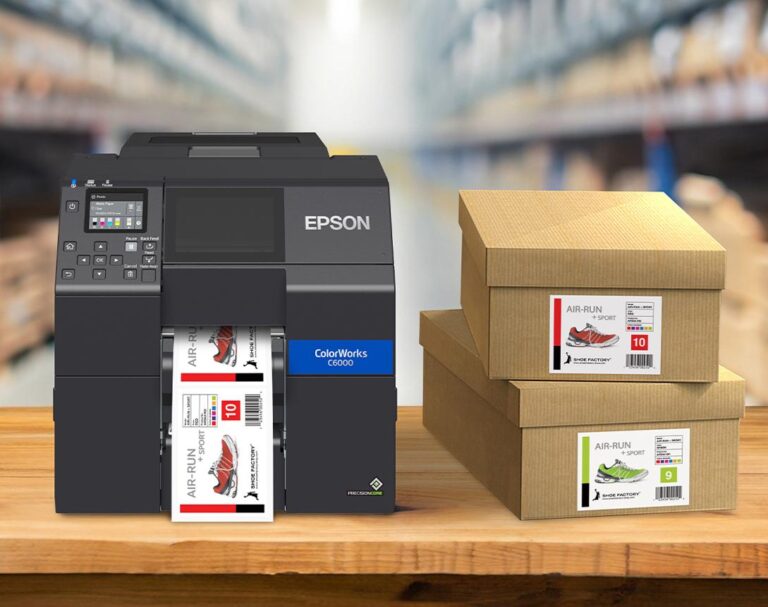
Setting Up the Epson ColorWorks CW-C6000 Series for Peak Performance
When your operation depends on high-quality, on-demand color labels, proper printer setup is everything. The Epson ColorWorks CW-C6000 Series was…
Read More →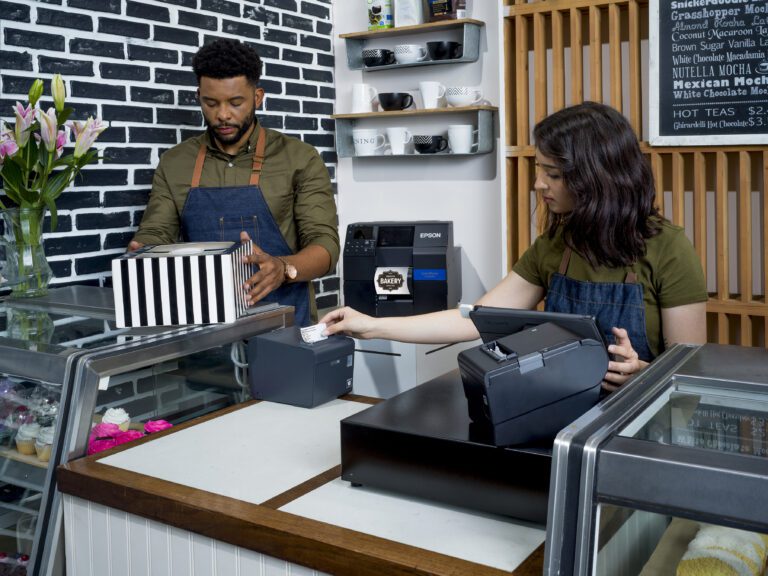
Transform Your Labeling with On-Demand Color Labels Using the Epson C6000
Are you struggling with a cumbersome labeling process for your products? You’re not alone! One of our customers—a bakery—faced a…
Read More →
Weekly Special: Epson C6000 Inkjet Color Label Printer – PaladinID Has You Covered!
Are you looking for a reliable on-demand color printer that delivers high-quality, vibrant labels? The Epson C6000 inkjet color label…
Read More →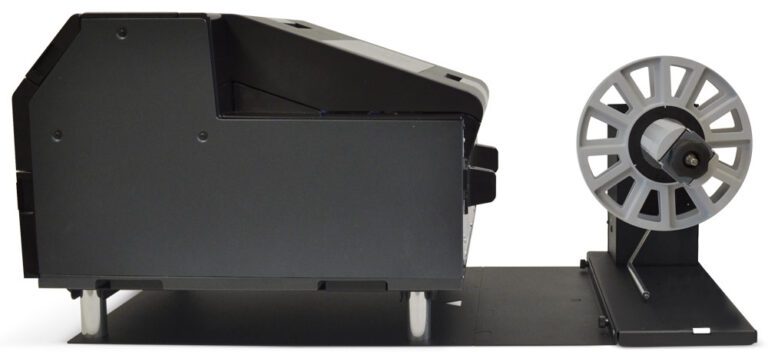
Enhance Your Labeling Efficiency with the Epson C6000 ColorWorks Inkjet Printer and Optional Label Rewinder
At PaladinID, we strive to provide innovative solutions to help businesses streamline their labeling processes. Recently, one of our customers…
Read More →Case Studies
See how businesses use our products




Need a Custom Quote?
Get personalized pricing for your specific requirements. Our team is ready to help.
Get a Label Quote